 Events Events
|
|
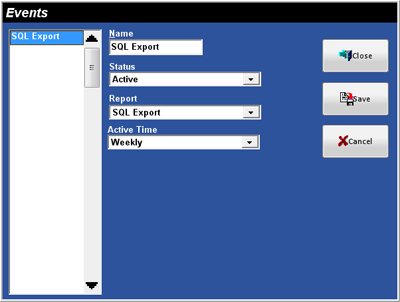 Figure 4.1
Events Window
Figure 4.1
Events Window|
Field |
Description |
||||
|
Name |
A name for the Event, up to 15 alphanumeric
characters. |
||||
|
Status |
|
||||
|
Report |
The Report that will be automatically ran. |
||||
|
Active Time |
The Active Time determines when the Event will
run (see also Time Ranges). |
Related Topics (none)